¶ Multi-Material Prints
¶ Introduction
Multi-material printing allows you to Assess and Enhance prints that combine different material types, for example, PLA + PETG, or PC + TPU, in one project without having to split your project into multiple plates.
⚠️ Experimental Feature
Multi-material support is currently an experimental feature. Results are functional but you may encounter edge cases. If you run into issues, let us know at support@helioadditive.com.
ℹ️ For same-material multi-colour prints (e.g., PLA Basic Yellow + PLA Basic Green), see the Multi-Colour guide — multi-material mode is not required.
Multi-material printing is inherently more complex than single-material printing. Helio optimises your multi-material print with awareness of each individual material's thermal performance — use this feature whenever you're printing with multiple materials for the best results.
¶ How to Activate
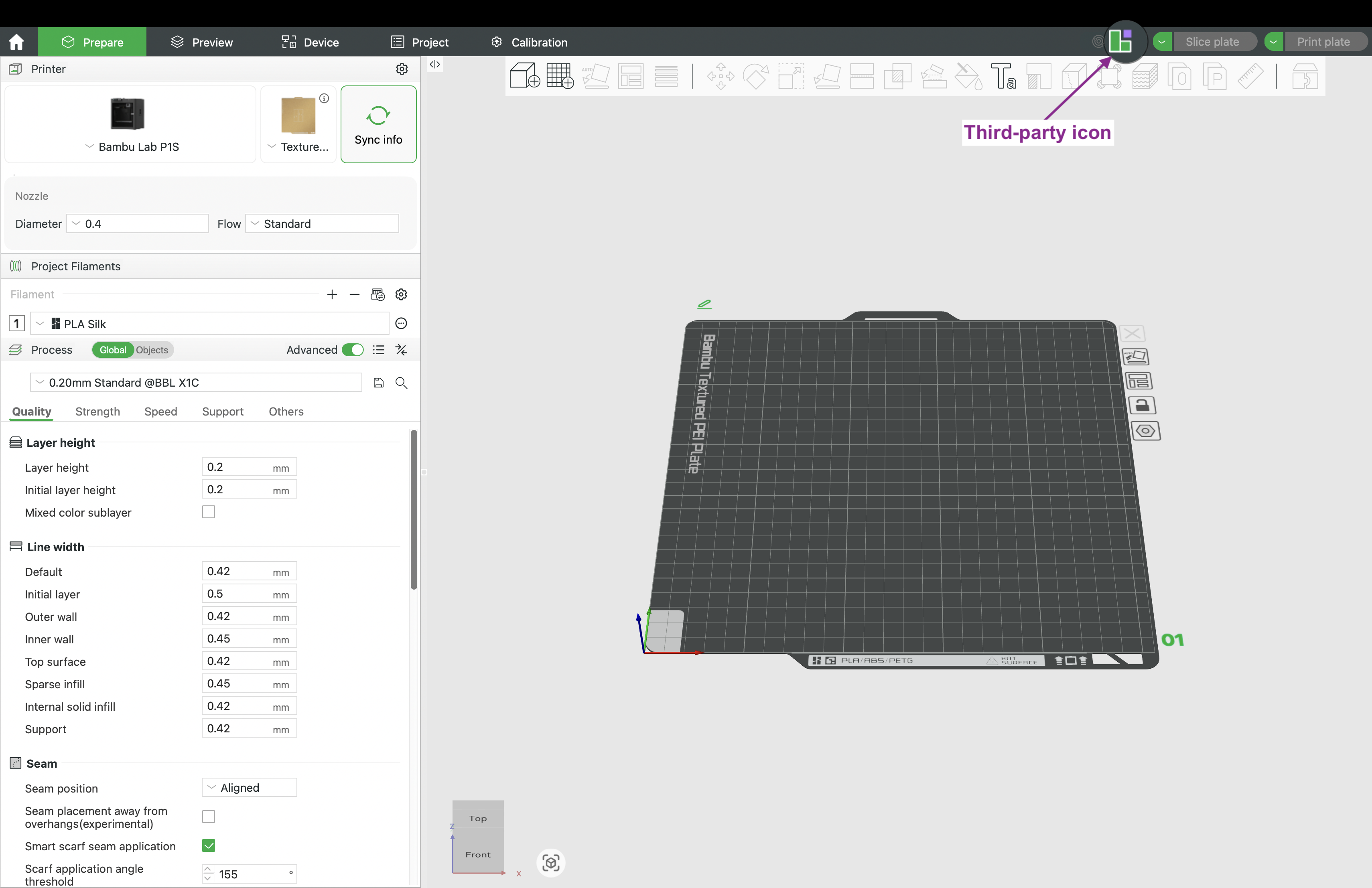
- Click the Third-party icon in Bambu Studio
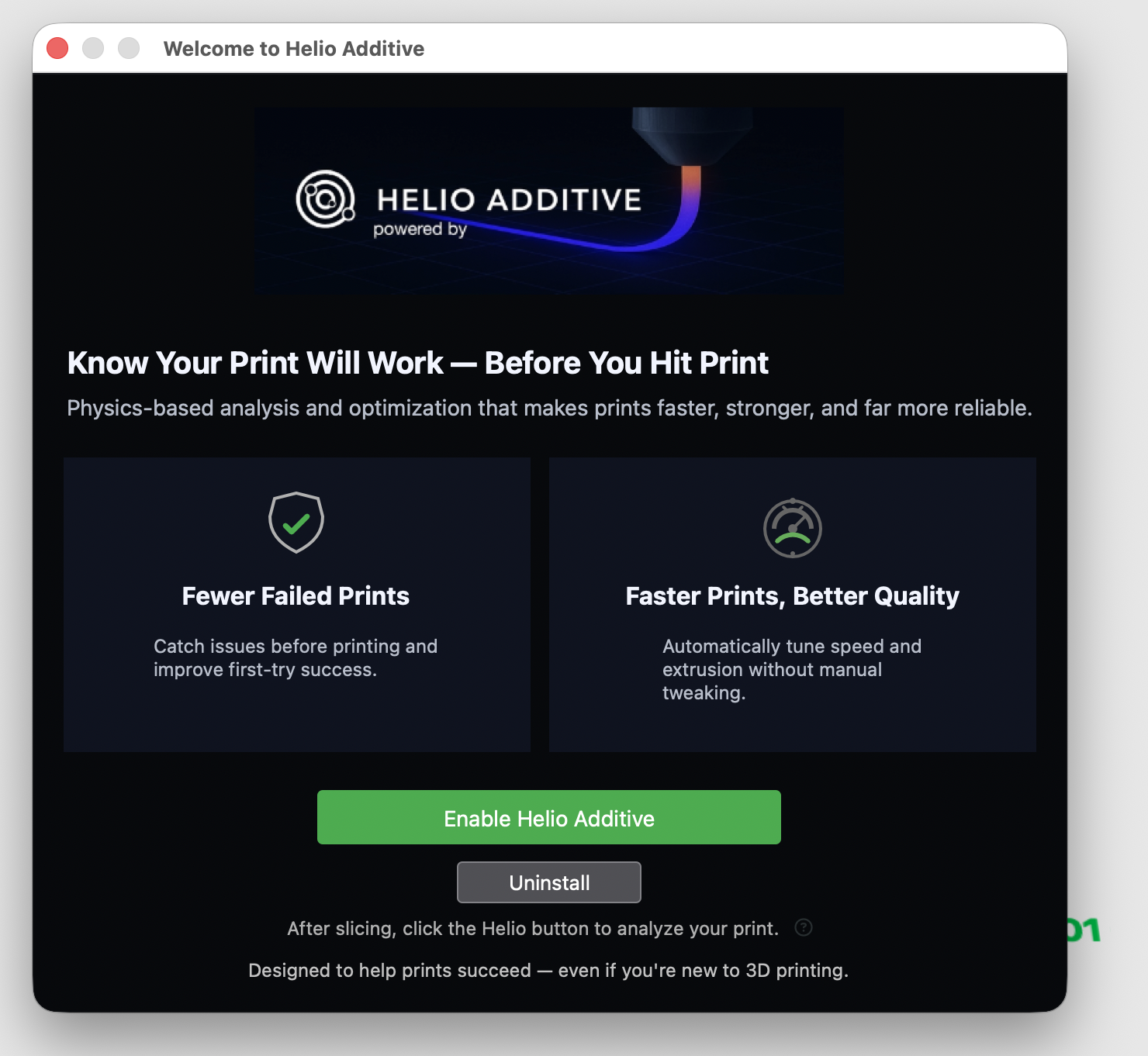
- Click Enable Helio (green button)
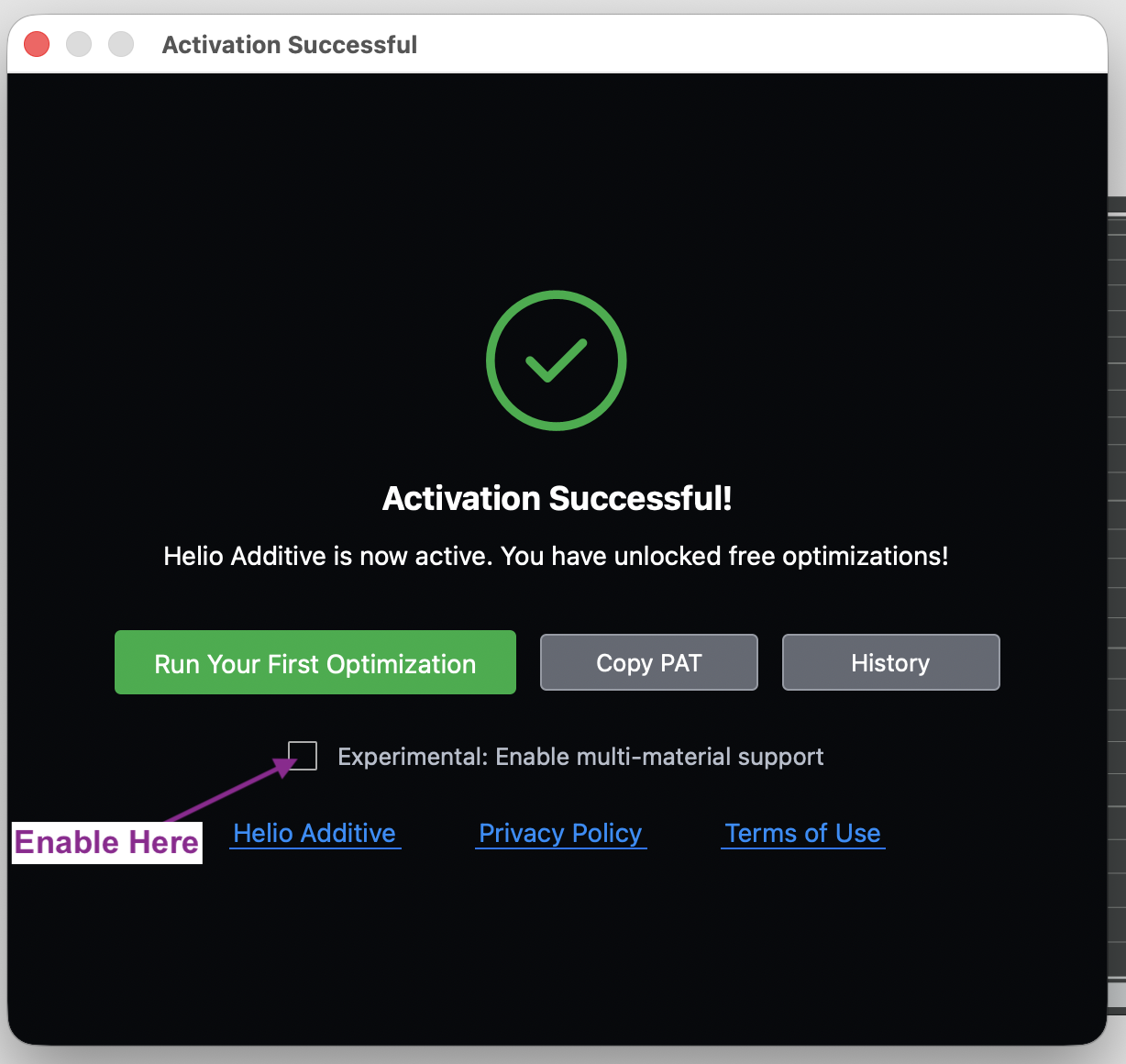
- Check the Multi-Material checkbox in the dialog
- Slice your multi-material print:
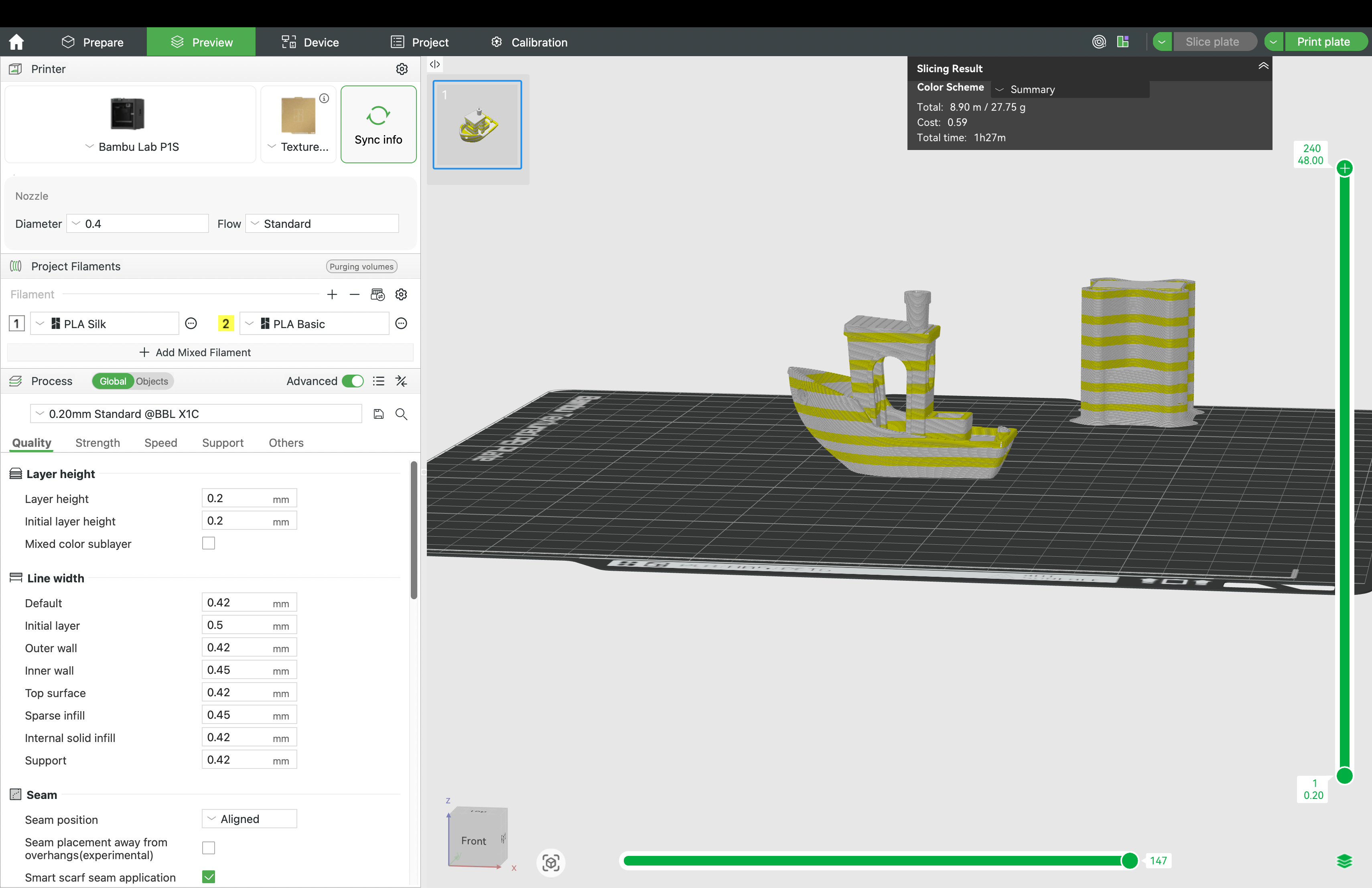
You can use any number of supported materials for your multi-material print. See full list of supported materials here
ℹ️ Assign the correct filament profile to each slot before slicing. Helio reads material assignments directly from the G-code. Incorrect profiles will result in inaccurate results.
- Click the Helio Icon → Enhance. Wait for the process to finish running.
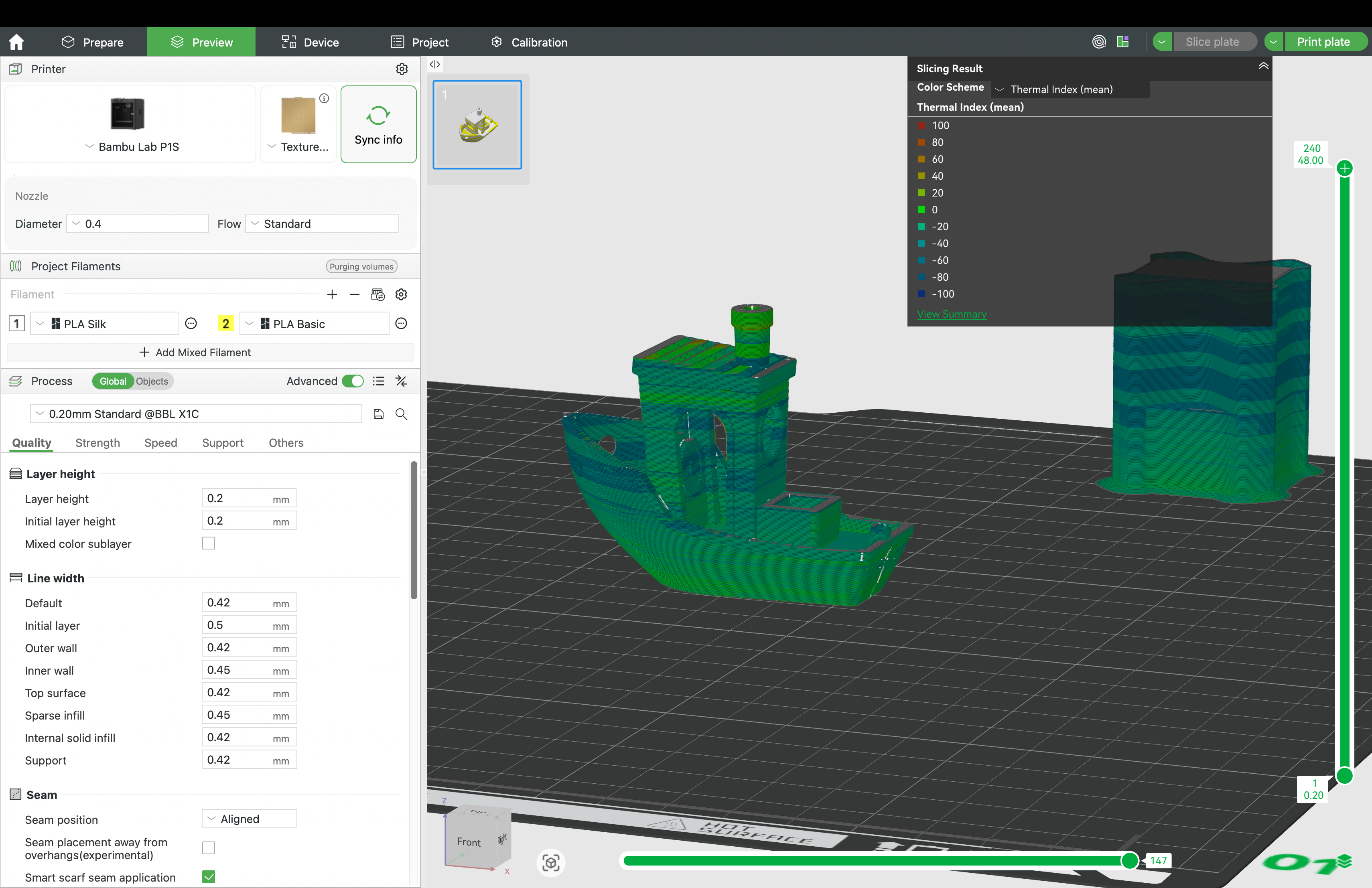
The optimiser adjusts speeds around tool change layers to keep material in the optimal bonding window even across different material combinations.
Review the results and, if satisfied, click Print Plate directly from the optimisation summary to send the job to the printer.
¶ ⚠️ Compatibility & Limitations
⚠️ Incompatible material combinations
If two materials are thermally or chemically incompatible, the Thermal Quality Index (TQI) will remain at its minimum at the interface regardless of optimisation. This is not a fixable thermal issue — if you're seeing persistent minimum scores at a material boundary, it's a signal to swap one of the materials or add a compatible transition material.
ℹ️ Materials not yet in Helio's database
If one or more of your materials isn't natively supported, you can still run Assess or Enhance using the reference material flow. Simulation accuracy will be an approximation in this case. For critical applications, contact us at support@helioadditive.com — we add new materials regularly and may be able to prioritise yours.